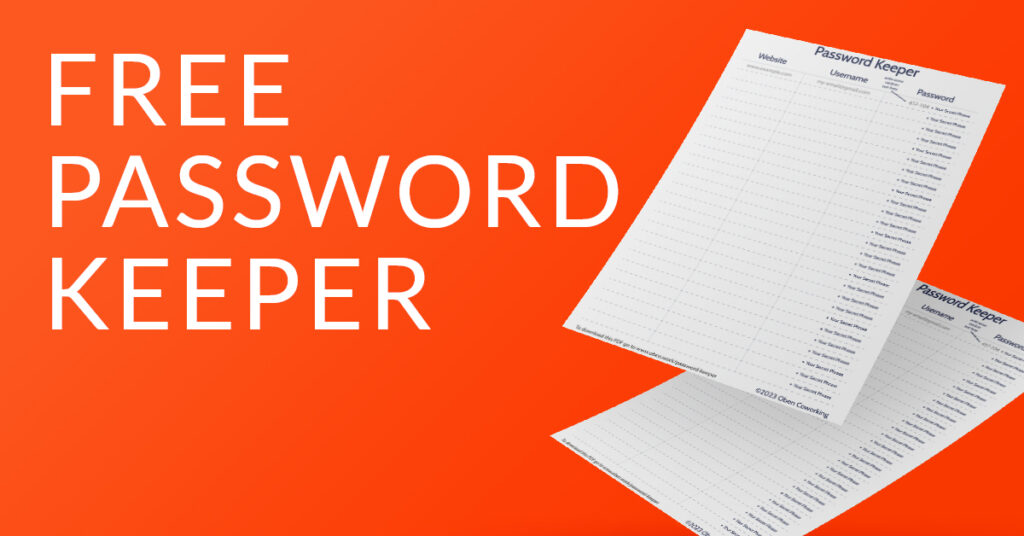
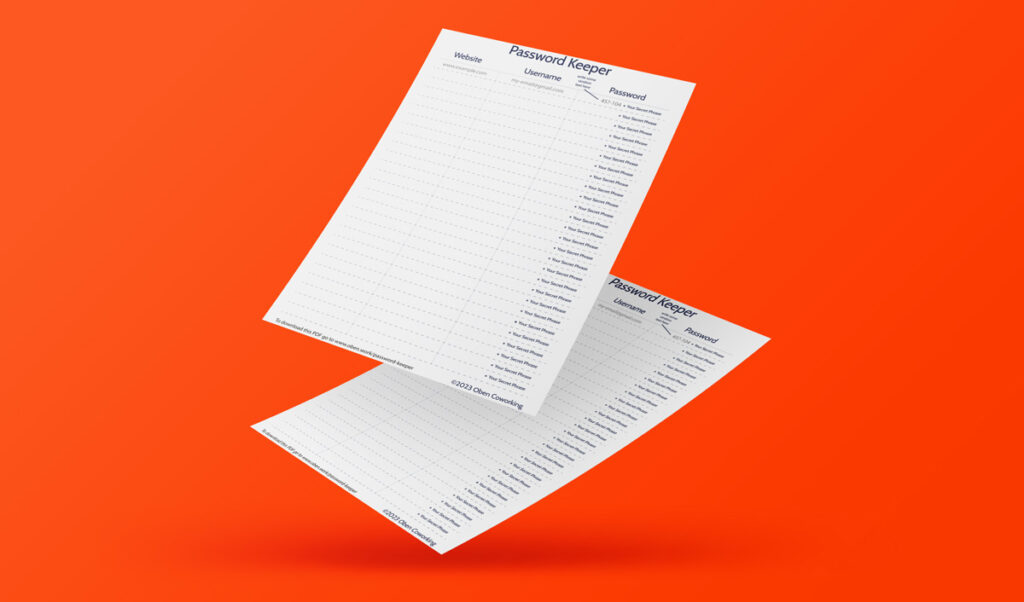
This is the free password keeper we gave away on the back of our opening day flyer. When we opened our coworking office in Coín, we crated a promotional flyer to invite people to our open day. On the back we put this free password keeper to encourage people to think about their passwords and also to create less waste by making the flyer useful after the event.
TL;DR
- What it is: A Password Keeper. You can write your passwords down on it.
- How does it work? Print it and you fill in your passwords BUT you keep one part secret, so even someone reading your list couldn’t crack your password.
- How much is it? Free download it below
- Who should use it? NOBODY!!! You should use an encrypted password locker, but, if you don’t and you reuse your password (use the same password on more than one site), then instead of that you should use this free password keeper. It is a far better alternative than using the same password on multiple sites.
- What else is good about it? If you download this free password keeper and use it to change/update all your passwords that is a good thing!
Disclaimer. Using a password list like this is not the best practice. The ONLY reason this is offered here is that it is much better than reusing your password. If you reuse passwords then you must seriously stop that today and use this free password keeper instead. Otherwise if any of the websites you use gets hacked (and this happens all the time), the first thing that will happen is that your exposed email and password will be tried as the login on all the services you use.
If you are interested in a password locker, we like the look of bitwarden and lesspass.
Why do I need this?
You need this free password keeper if you reuse passwords. One of the biggest security threats these days is password re-use, and so many people do it! We often help people with online platform issues and occasionally that means they have to share their password with me. It is amazing how many have a similar pattern. A random word (normally a name), then a year (say 2005, they year they updated the password) and then and exclamation mark!
Sally2005!
(in this example Sally is often the person’s daughter, something that is easy to find out on Facebook).
That password is pretty poor. It’s something someone could work out if I knew you and were trying to guess your password. The worst thing is, you absolutely know they use that password for almost everything! Most people reuse their main password and don’t think it’s too bad, as long as the keep it secret right? Wrong, here’s why…
Reusing you password is an open door to hackers.
The reason that password sharing is so bad is that occasionally one of the services you use will get hacked. And then the password and your email you use will be tried as the login on every other website you use. It will get tried on Facebook, Instagram, Twitter and emails systems like gmail, outlook and hotmail. Do I have to tell you how bad it will be if a hacker gains access to your email? If someone has the password to your email then they can go use the “forgot password flow” on every other one of your online accounts, and they can find your those accounts…. by searching through your emails! Good luck cleaning that up!
So, DON’T EVER REUSE a password.
So how does our free password keeper work?
OK. First let me say it AGAIN. Don’t use this, use a password locker (like Bitwarden). BUT if you are just going to put off doing that indefinitely AND continue to reuse passwords, then please, download and use this password keeper instead.
How does the free password keeper work?
Our free password keeper is a printable PDF that you can write out your passwords on however you don’t write the WHOLE password. You make up a secret phrase that you remember and this gets added to the part of the password that is written down.
For example. You create a password for Facebook. Some thing safe like: !U+*$$
That’s hard to remember and it’s too short (in the world of good passwords, longer is better). We’ll fix that. You also should think of a secret phrase like “icecream-hello” or a lyric from a song like; “goodbyenormajean” then you just need to lock that in your brain. Remember your secret phrase and when you create/update your Facebook password and you end up with:
!U+*$$icecream-hello
or
!U+*$$goodbyenormajean
Now that’s a password! So all you need to do is remember the secret part and write down the rest. The only way anyone could find out your password is to find out your secret phrase (so don’t tell anyone EVER) AND have this list. Trust me remembering your secret phrase is easy.
It would be slightly easier to brute force the password if you have the list, but someone would need to have your password keeper list AND use a computer to try and brute force the rest over months or even years!
Ideally, you should use a password locker NOT our password list so here are some free password lockers that are an alternative to this free password keeper. But if you don’t install a password right now and you reuse you passwords, then use the password keeper.
- KeePassXC – a community fork of KeePassX, a cross-platform password manager that is free and open source software. It is available for Windows, macOS, and Linux.
- Bitwarden – an open-source password manager that is available as both a web-based service and as a desktop or mobile application. It supports a range of devices and platforms, including Windows, macOS, Linux, iOS, and Android.
- Password Safe – a password manager that stores all your passwords in a secure database. It is available for Windows, macOS, and Linux.
- LessPass – a stateless password manager that generates unique passwords for each website based on a master password and website domain. It is available for Windows, macOS, Linux, and as a browser extension.
- Enpass – a password manager that encrypts your data on your device and stores it locally. It is available for Windows, macOS, Linux, iOS, and Android.
- Buttercup – a free and open source password manager that is available for Windows, macOS, Linux, iOS, and Android.
- Passbolt – a free and open source password manager that allows teams to securely share passwords and other sensitive information. It is available for Windows, macOS, Linux, and as a web-based service.
What should I do if I want to share my password/login with someone?
If you do need to share your password with someone so they can login to one of your accounts and help you then you should either:
- Change your password temporarily before sharing it (and then change it back to the one with your secret phrase).
- See if you can give them/their email temporary permission through the website or app
- See if you can give them their own login that you can disable later.
It would be slightly easier to brute force the password if you have the list, but someone would need to have your password keeper list AND use a computer to try and brute force the rest over months or even years!